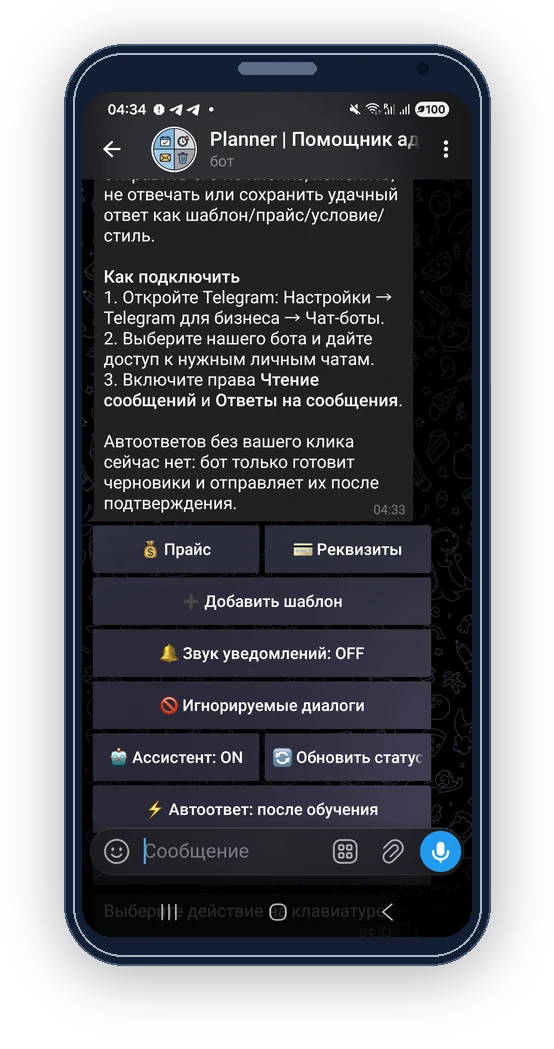
What you can do
- Describe formats, prices and conditions.
- Explain pinning, duration and content requirements.
- Share your price card with potential advertisers.
How to set it up
Open ‘My prices’ in the administrator menu and prepare your current terms.
Describe each format and its price, duration, pinning and deletion conditions.
Check the public view and share the available price or request link.
Review incoming requests and confirm the platform, date, post and amount before accepting.
Requirements and limits
- A price list does not reserve dates or confirm payment.
- Keep the card current. Information separately supplied to the AI assistant may also need updating.
- The administrator decides whether to accept a request. Viewing a card does not activate a publication.
Questions and answers
Can I describe several formats?
Yes. Make differences in duration, pinning and other conditions explicit.
Is opening the card the same as ordering?
No. The client submits a request and the administrator reviews the placement.